
For networks that include a wireless router, it is possible to access Nightwave Digital video via the RTSP stream
There are many mobile apps with which to view RTSP video streams.
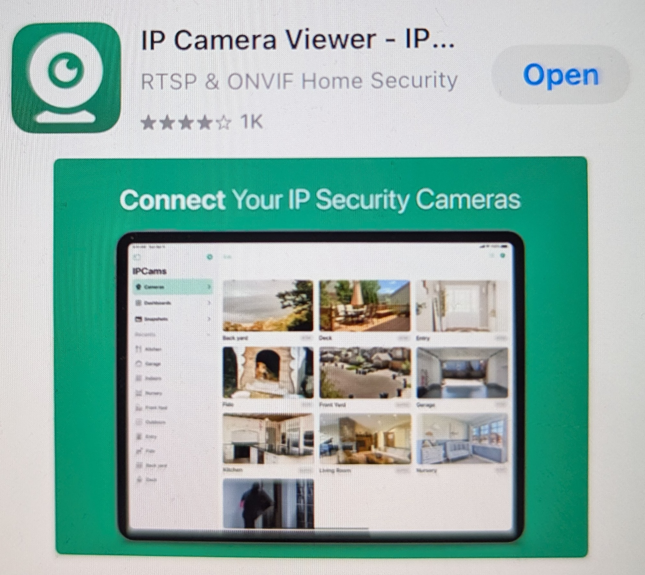
We have had success with the free media players VLC for Android and IPCam for iOS - which is detailed below
Use the SIONYX Tool-Panel information page (from the SIONYX icon on your MFD) to obtain one of the RTSP stream network addresses.
(Or, because you have a wireless router, bring a Windows laptop to the boat and under File Explorer/Network/Cameras - CRV-800D should be listed; right click on that to see IP address to put into this format- rtsp://<ip address>:554/lowres. For more details on how to access through Windows laptop, click Here)
(e.g. rtsp://10.1.35.90:554/lowres )
Download the app to your mobile device
In IPCamera, add a New Camera, entering the IP Address, Port, and Path components of the network address in the relevant fields
Make sure scheme is set to RTSP
Review the address shown in grey after the Path field - "IPCams will connect at...." make sure this exactly matches the RTSP network addresses obtained previously
Save
View video from the Nightwave Digital
Be aware that media player (network caching) settings, network activity and mobile OS resources can all affect the speed with which the video is rendered. You should expect to see some delay when streaming video over your WiFi network in this way, versus a hardwired connection to an MFD.
However, your WiFi signal strength and range is only limited by the router you are using.